Photography and Imagery · Step 3 · 5 min read
Licences without fear
Copyright, public domain, CC0, Creative Commons and library licences, in plain words: what each lets you do, what each asks of you, and how to credit an image so anyone can check where it came from.
"I found it on Google" is not a licence. Almost every photo online belongs to someone, and using it without permission is a risk the product carries, not the designer who found it. The good news: free, legal images are everywhere, and their licences fit on a postcard. You need to know five of them and one habit: write down where each image came from.
What you'll be able to do after reading:
- Explain copyright, public domain and CC0 in one sentence each
- Tell CC BY from CC BY-SA, and know when ShareAlike matters
- Read a library licence (Unsplash, Pexels, Pixabay) for what it allows and forbids
- Credit an image so anyone can check its source
1. The default is "all rights reserved"
When someone takes a photo, they own its copyright automatically, without registering anything. Unless they say otherwise, you can't use it. Everything below is a way they said otherwise.
2. Five licences you'll meet
| Image | Licence | You may | You must |
|---|---|---|---|
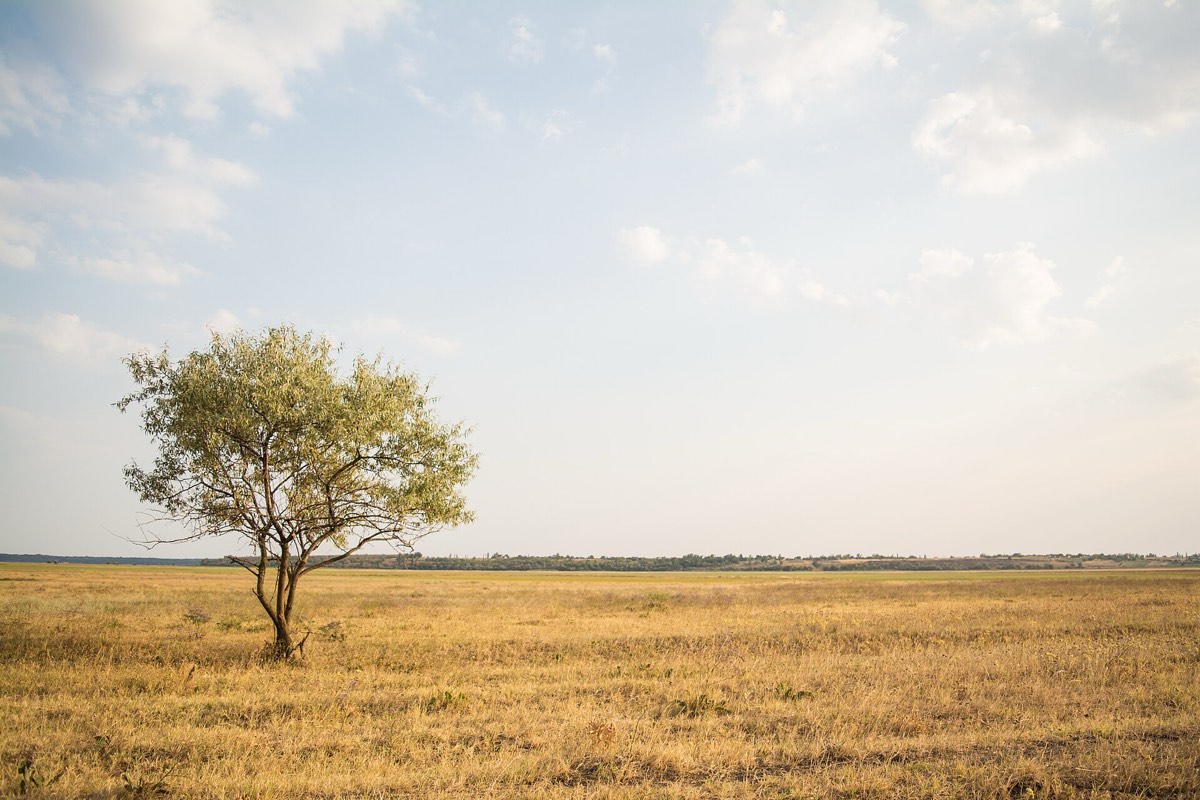 | CC0 (an Unsplash photo from 2014, when Unsplash used CC0) | Use, change, sell, without asking | Nothing; credit is a courtesy |
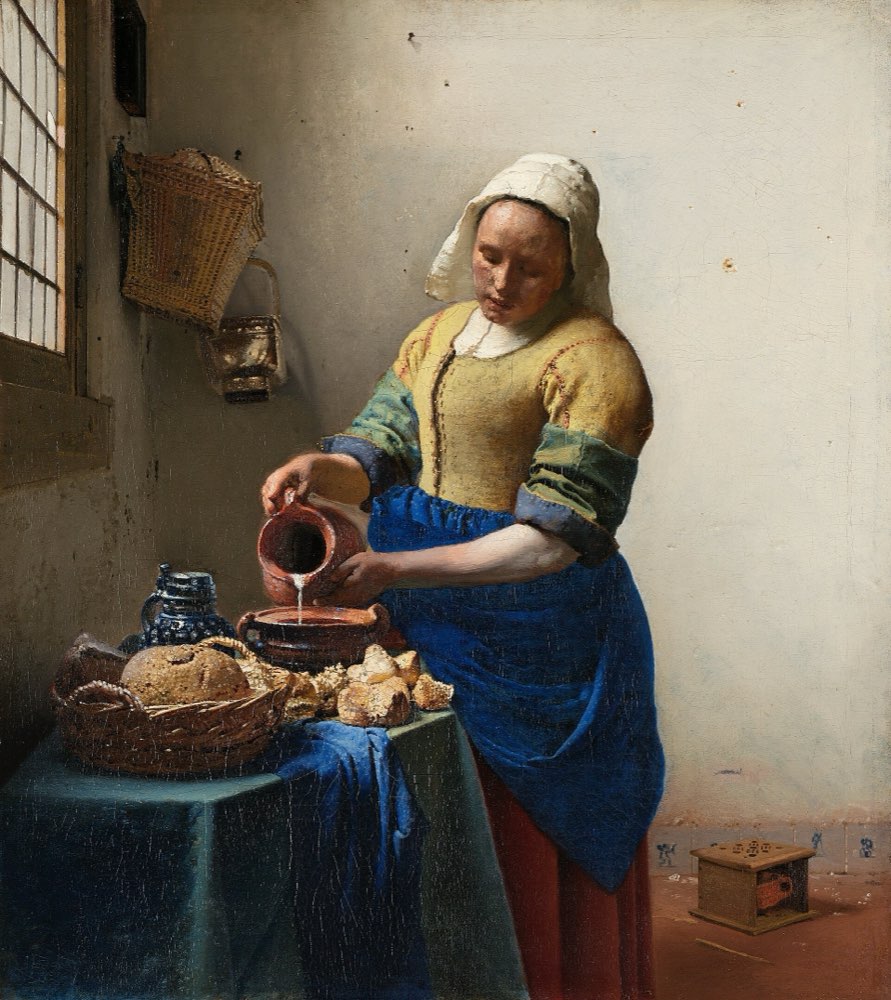 | Public domain (a painting from about 1660) | Anything; copyright has expired | Check that the photo of the painting is free too |
| CC BY or CC BY-SA (many Commons photos) | Use and change | Credit title, author, source and licence; with BY-SA, share your changed version under BY-SA too | |
| Unsplash License (photos on Unsplash today) | Use and change, also commercially | Not sell them unchanged, not build a competing library; it is not CC0 | |
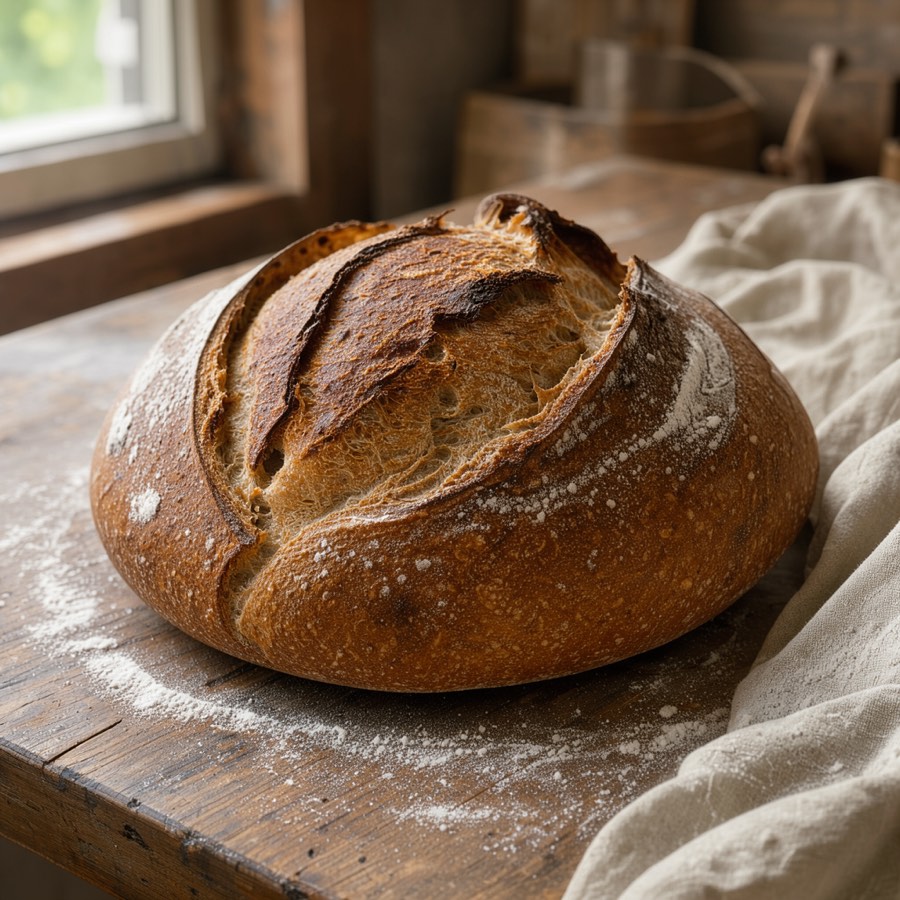 AI | The generator's terms | What its licence allows | Read its terms; label the image as AI-generated |
- Public domain: no one owns it anymore, usually because copyright has expired, like Vermeer's paintings. Use it for anything. Check that the photo of the work is free too; museums like the Rijksmuseum and the Met publish theirs as public domain or CC0 (Rijksmuseum, data policy, The Met, Open Access).
- CC0: the author gave up their rights, as far as the law allows. Use, change and sell, no credit required (Creative Commons, CC0). The Smithsonian has released millions of items this way (Smithsonian Open Access).
- CC BY: use and change it, but credit the author.
- CC BY-SA: like CC BY, plus ShareAlike: if you publish a changed version, it must carry the same licence. That matters in this course: a before-and-after treatment of a BY-SA photo would have to be BY-SA too, so the demos here use CC0 and public domain images (Creative Commons, licences).
- Library licences (Unsplash, Pexels, Pixabay): free to use, also commercially, with their own conditions. They are not CC0, whatever blog posts say.
3. Reading a library licence
The three big free libraries agree on most things and differ on details. In short, from each one's licence page:
- Unsplash: free, also commercial, changes allowed; you can't sell photos without changing them significantly, or use them to build a similar or competing service (Unsplash License). Photos uploaded before June 2017 were released under CC0, which is why some Unsplash photos appear on Wikimedia Commons as CC0 and newer ones don't.
- Pexels: free, also commercial; no showing identifiable people in a bad light, no implying that people or brands endorse you, no selling unchanged copies (Pexels License).
- Pixabay: free; no selling unchanged content, and no commercial use of content showing recognisable brands or logos (Pixabay, licence summary).
None of them promises a model release or a property release. That's why People in images says to keep their faces out of anything that implies endorsement.
4. The habit: credit everything
Credit is required for CC BY and BY-SA, and a good idea for everything else: it shows where an image came from, and it lets anyone, including you in two years, check the licence. Wikimedia Commons recommends TASL: Title, Author, Source, Licence (Commons, Credit line).
Photo: Tree in the golden grassland, Rodion Kutsaev, Wikimedia Commons (from Unsplash), CC0.
Every figure in this course is credited that way, in its caption. In a product, the credit can live in an image library, a page of credits, or the file's metadata, as long as it's somewhere people can find it.
5. Common mistakes
- Using an image because it was "on Google" or "on Pinterest".
- Calling Unsplash, Pexels or Pixabay photos CC0.
- Editing a CC BY-SA photo and publishing it under a different licence.
- Keeping no record of where images came from, so nobody can check later.
- Using a free-library face to imply a real customer.
6. Vocabulary
| Term | Meaning |
|---|---|
| Copyright | The author's automatic right to control copies of their work |
| Public domain | Works nobody owns any more, free for any use |
| CC0 | A tool to waive rights and put a work as close to the public domain as the law allows |
| CC BY / CC BY-SA | Creative Commons licences: credit required; with SA, changed versions keep the licence |
| TASL | Title, Author, Source, Licence: the four parts of a credit |
| Property release | Permission from the owner of a recognisable private place or object |
7. Try it (no tools needed)
- Pick five images from a product or a website you work on.
- For each, find out where it came from and under which licence. Write a TASL credit.
- Mark any image whose source you can't find.
Reflection questions: How many of the five could you trace? What would you need to change so the next image is traceable from day one?
8. If you already practise
- Add source and licence fields to your image library, next to alt text and focal point. Fill them in when an image arrives, not when someone asks.
- Write the allowed sources into the image style guide (see One look for the whole product), with a link to each licence.
- For generated images, record the tool, its terms and the prompt; the next step is about why.
Checklist
Learn more
- Creative Commons: About the licences · CC0
- Wikimedia Commons: Reusing content outside Wikimedia · Credit line
- Library licences: Unsplash · Pexels · Pixabay
- Open collections: Smithsonian Open Access · The Met Open Access · Rijksmuseum
Related
People in images · Library, shoot or generated · One look for the whole product · Copyright and AI-generated assets · Image licence checklist