Photography and Imagery · Labs · 3 min read
Build a treatment system
A guided lab: take four photos from different sources, design one grade and one grain that make them a set, build it in Figma or any editor, then rebuild it in CSS and compare. About an hour and a half.
A treatment system is a style guide you can run. One grade and one texture, written as values, applied to every photo the product uses. You'll design one on four photos that don't belong together, then build it twice, in a design tool and in CSS, because the version that ships is the one in code.
What you'll do:
- Collect four photos from different sources
- Design one grade and one grain that make them a set
- Build it in Figma (or any editor) and in CSS
- Run the switch-off test on the result
You'll need: Figma or any image editor, a browser and a text editor (or a free online code playground), four openly licensed photos, about an hour and a half.
1. Collect four photos that don't match
Pick four CC0 or public domain photos from different photographers, with different light: warm, cool, bright, dark. Write down each one's credit (see Licences without fear). The more they clash, the more you'll learn.
2. Design the grade
In Figma, put the four photos side by side. Add the same adjustments to all four: in Figma, a fill or a layer above each with a blend mode (see Blend modes and the maths behind them); in an editor, the same adjustment layer on each.
Aim for one look, not four good ones:
- Pull the temperature together: warm the cool ones, or cool them all.
- Pull the saturation together: usually down a little.
- Add a little contrast if they look flat side by side.
Write the result as values: "sepia 35%, saturation 90%, contrast 110%".
3. Add a grain
Add one grain to all four: in Figma, the Noise effect; in CSS, the feTurbulence overlay from Texture, grain and noise. Keep it fine. Check at the size the photos will appear, and on a phone.
4. Rebuild it in CSS
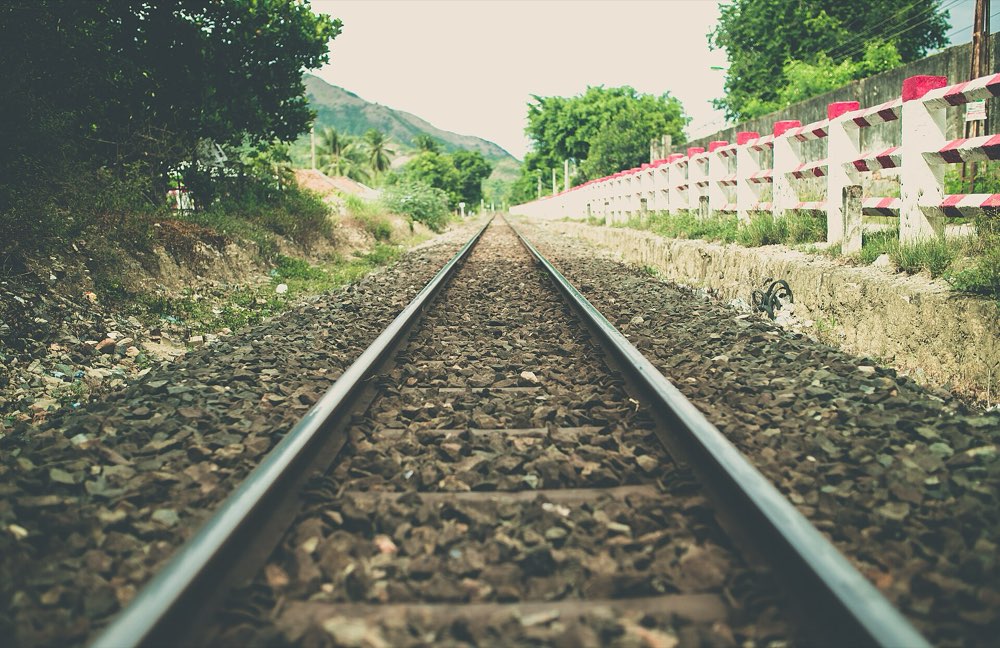 As foundGreen, bright, a little coldWith the systemWarmer, softer colour, a fine grain
Write the system as two classes, one for the grade and one for the grain, and apply them to the four untouched files:
.system img { filter: sepia(.35) saturate(.9) contrast(1.1) brightness(1.03); }
.grain { position: relative; isolation: isolate; }
.grain::after { content: ""; position: absolute; inset: 0; pointer-events: none;
  background-image: url("data:image/svg+xml,…feTurbulence…"); mix-blend-mode: overlay; opacity: .4; }
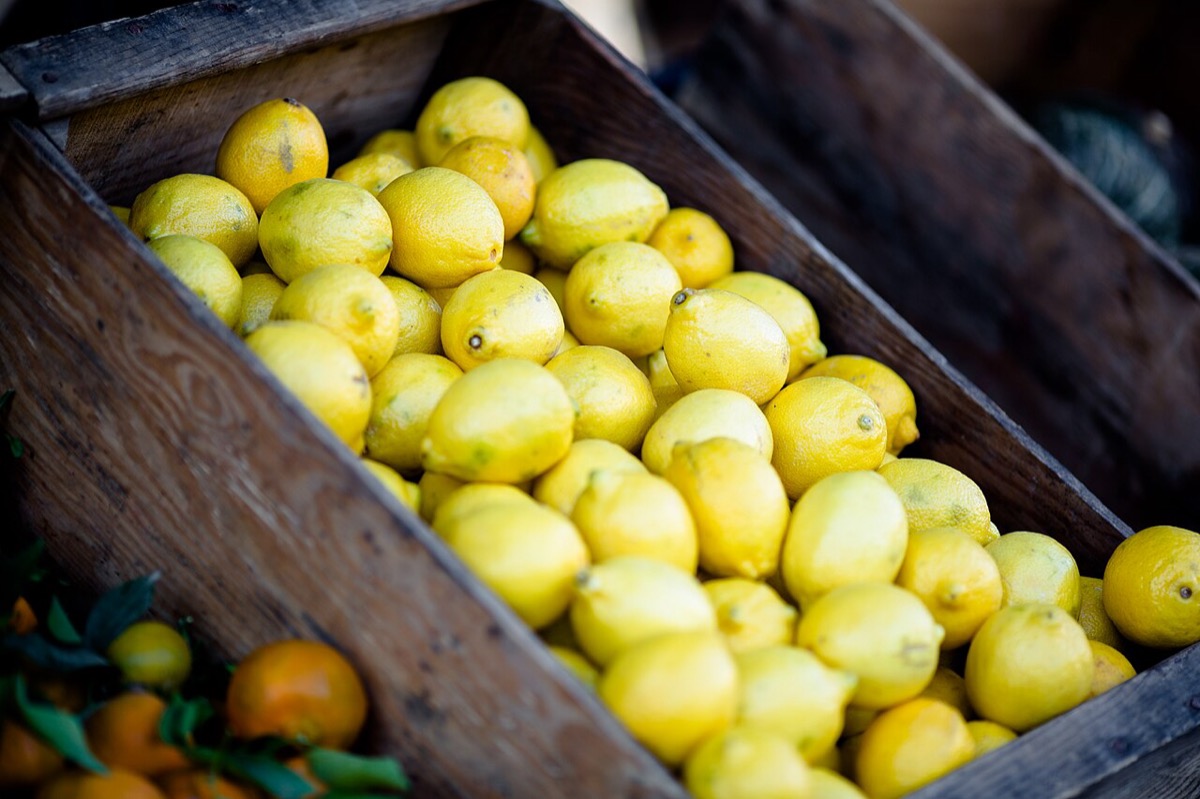 Lemons
 Mug
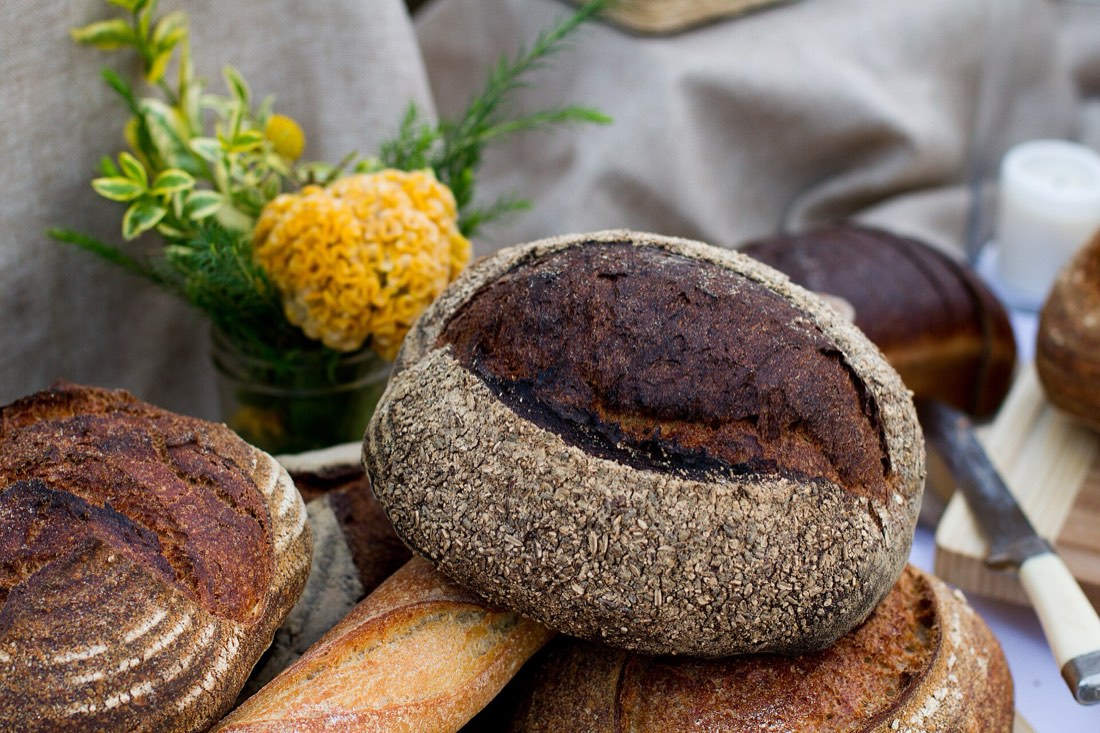 Bread
Put the Figma version and the CSS version side by side. They won't match pixel for pixel; decide which one is the reference, and adjust the other until they're close.
5. Run the switch-off test
Switch the classes off, then on (see Treatment with a purpose). Ask:
- Do the four photos look more like one set with the system?
- Did any photo lose something important, like the colour of a product?
- Would the system work on a fifth photo you haven't tried?
Try one more photo. If it breaks the system, either the photo or the system has to change: decide which, and write down why.
6. Check your work
Reflection questions: Which photo fought the system hardest, and why? What would you write in the style guide so the next designer doesn't need this lab?
Related
Grade, black and white and duotone · Texture, grain and noise · Blend modes and the maths behind them · One look for the whole product · Treatment with a purpose