Photography and Imagery · Step 3 · 5 min read
People in images
Every person in a product photo is someone. Who appears and who is missing, how to avoid stereotypes, and the permissions you need: model releases, consent, children, public places and generated people.
A photo of a person is two things at once: an image, and someone's face. As an image, it can make a product feel human. As a face, it belongs to someone who has rights, and to a group that will notice how they're shown. Getting people right is part craft, part respect and part paperwork, and none of the three can be skipped.
What you'll be able to do after reading:
- Check who your images show, and who they leave out
- Avoid the stereotypes that stock photos and generators repeat
- Know which permission each kind of person in a photo needs
- Use people's hands, backs and work when you can't use faces
1. Who appears, and who doesn't
Look at every photo with people in your product and ask: who's here, doing what? Who is the expert and who is being helped? Who is young, who is old, who has a disability, who works with their hands? Then ask who is missing.
People notice. When a product's photos only show one kind of person, everyone else reads the message: this isn't for you. Sasha Costanza-Chock's Design Justice argues that design should be led by the people it affects, and images are one of the first places where that shows (see the books at the end).
2. Stereotypes come for free
Stock libraries and image generators both learn from what was photographed most, and they repeat it.
- Stock: the doctor is a man in a white coat, the nurse is a woman, the "team" is young and smiling.
- Generators: ordinary prompts, for traits, jobs or objects, produced images that amplified racial and gender stereotypes about occupations and treated American norms as the default. Adding counter-instructions to the prompt didn't remove them (Bianchi et al., FAccT, 2023).
The fix isn't a perfect set; it's checking. Count who appears, and in which roles, across the whole product, not one photo at a time. Joy Buolamwini's Unmasking AI is a readable account of how bias gets into these systems.
3. Permissions
| Who is in the photo? | What you need before using it |
|---|---|
| Nobody, or hands and backs only | Nothing for people. Still check the licence, logos and private property. |
| A model on a stock site | A model release that covers your use. Many free libraries don't promise one, so don't use a face to imply someone endorses you. |
| Your team or your customers | Written consent, for this use, that they can withdraw. In the EU a photo of an identifiable person is personal data. |
| People in a public place, recognisable | It depends on the country and the use. For a product or an advert, treat it like a model: get consent or choose another photo. |
| Children | Consent from a parent or guardian, and a very good reason. |
| A generated "person" | A visible label. Never as a real customer, employee or testimonial. |
The short version:
- Model release: a person's written permission to use photos of them, for the uses it lists. Free libraries usually don't promise one, which is why a face from a free library is risky in a product or an advert.
- Your team and your customers: ask in writing, say where the photo will appear, and let them change their mind. In the EU, a photo of an identifiable person is personal data, and the rules on personal data apply.
- Children: a parent or guardian consents, and you need a very good reason.
- Generated people: they aren't anyone, so they can't consent and can't be a customer, an employee or a testimonial. Label them.
Wikimedia Commons keeps a useful page on the rules for photographs of identifiable people, country by country.
4. When you can't use faces
You can still show people without showing who they are:
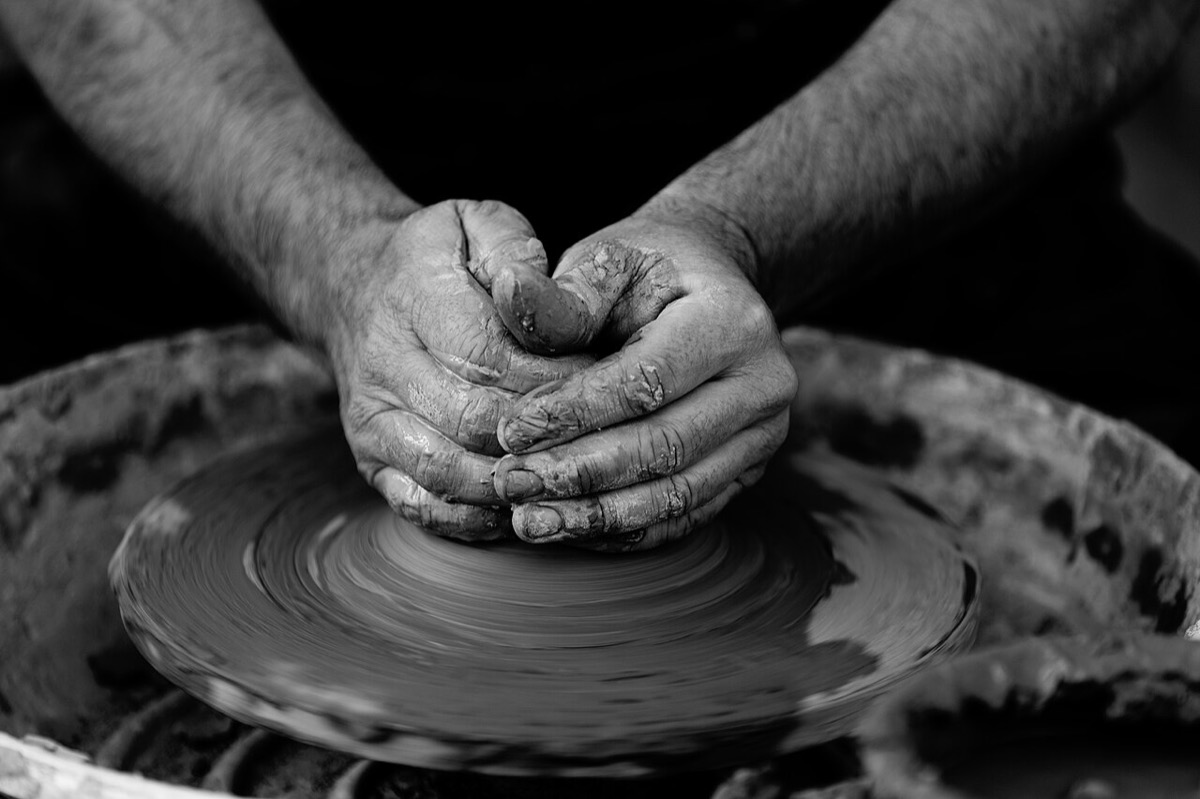 Hands at work
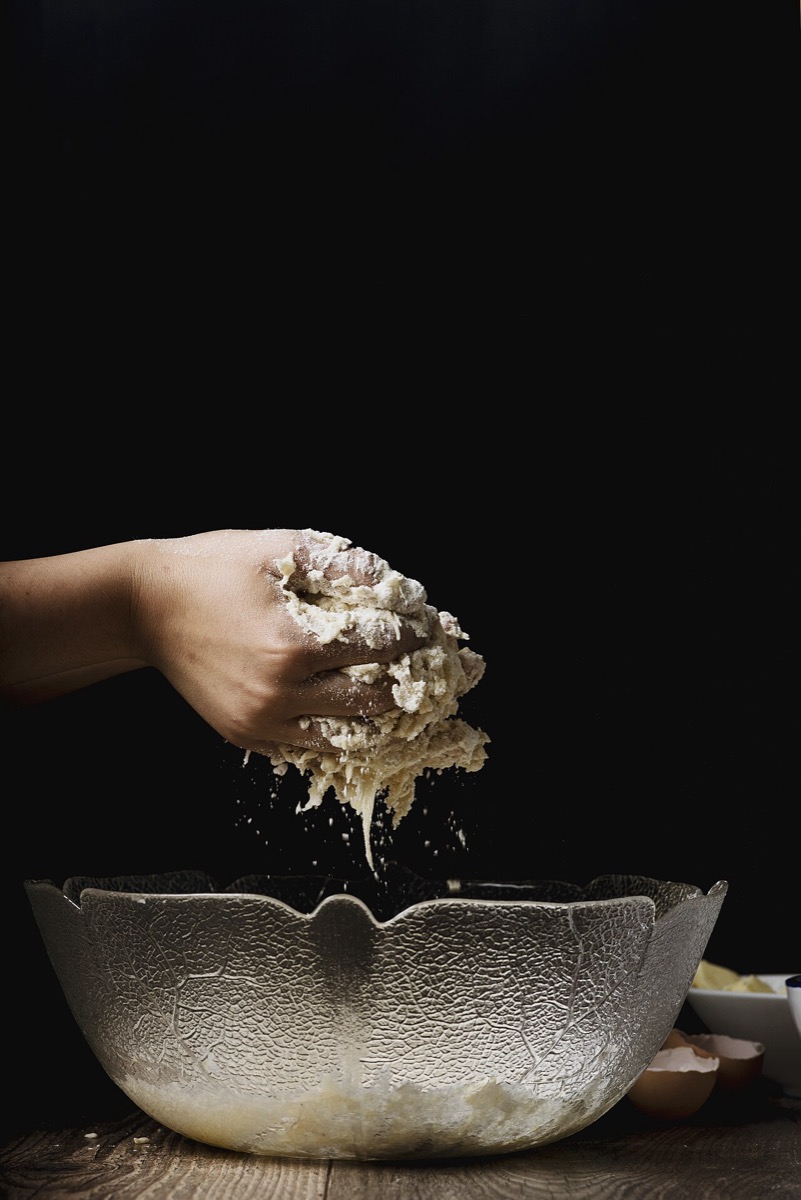 Hands and the thing
 Silhouettes at a distance


- Hands at work: the potter's hands in Step 1 show a person and a skill, and identify nobody.
- Backs and silhouettes: people walking away, or against the light (see Light and what it says).
- Distance: people small in a wide shot, part of a place rather than its subject.
- History: public domain photographs and paintings, like Lewis Hine's mechanic in Faces and gaze, are free of copyright. They still show real people, so use them with the same respect.
5. Common mistakes
- A whole product of photos showing one age, one body type, one skin tone.
- Using a free library face on a page that implies they're a customer.
- Photographing customers or staff without written consent.
- A generated "team" or "customer" presented as real.
- Fixing representation in one hero photo and nowhere else.
6. Vocabulary
| Term | Meaning |
|---|---|
| Model release | A person's written permission to use photos of them, for listed uses |
| Consent | Permission given freely, for a clear use, that can be withdrawn |
| Identifiable person | Someone who can be recognised in a photo, by face or by context |
| Representation | Who appears in images, in which roles, and how often |
| Stereotype | A fixed, simplified picture of a group, repeated until it looks normal |
7. Try it (no tools needed)
- List every photo with people in one product you know.
- For each, write who it shows and in which role (expert, helped, customer, decoration).
- Count. Who appears most, and in which roles? Who never appears?
Reflection questions: Would someone who uses the product see themselves in its images? Which photo would you change first?
8. If you already practise
- Add a "people" section to your image brief and your style guide: who appears, in which roles, and the permissions needed.
- Keep releases and consent forms with the image files, not in someone's inbox.
- Audit representation across the whole product once a year, with the same counts, so you can see change.
Checklist
Learn more
- Bianchi et al., Easily Accessible Text-to-Image Generation Amplifies Demographic Stereotypes at Large Scale (FAccT, 2023)
- Wikimedia Commons: Photographs of identifiable people
Books, courses and videos to go deeper
- Design JusticeSasha Costanza-ChockBook · MIT Press, 2020 (Amazon)
- Unmasking AIJoy BuolamwiniBook · Random House, 2023 (Amazon)
- Ways of SeeingJohn BergerBook · Penguin, 2008 edition (Amazon)
Book links go to Amazon. As an Amazon Associate I earn from qualifying purchases, at no extra cost to you.
Related
One look for the whole product · Licences without fear · Faces and gaze · Ethics, bias and inclusion in AI design · Representation audit