Photography and Imagery · For leads · 4 min read
Running an image library
For leads: where a team's images live, what each record must hold, who owns it, and how to keep licences, credits, alt text and generated-image flags with the image instead of in someone's memory. With the IPTC fields that carry them inside the file.
The question always comes, usually at the worst moment: "Where's this photo from, and can we use it?" If the answer is in a folder called "final_final_v3", the product carries a risk nobody can see. An image library is less about storage than about memory: each image keeps its source, licence, credit, alt text and history, so the team doesn't have to.
What you'll be able to do after reading:
- Define what every image record must hold
- Keep that information in the file, not just in a spreadsheet
- Decide who owns the library and what they do
- Handle licences, releases and removals without panic
1. What a record holds
| Image | Source | Licence | Credit | Focal point | Alt text | Generated |
|---|---|---|---|---|---|---|
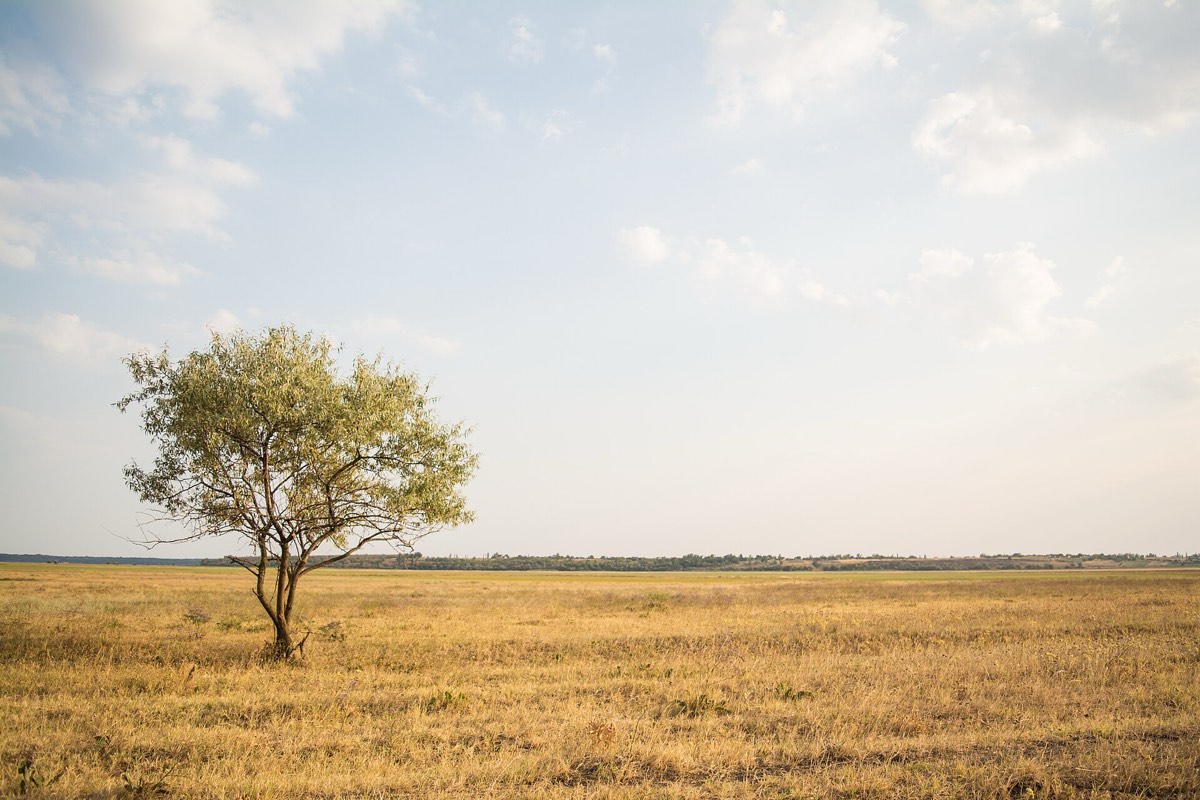 | Wikimedia Commons, from Unsplash | CC0 | Rodion Kutsaev | 20% 50% (the tree) | A small tree in a golden grassland under a pale sky. | No |
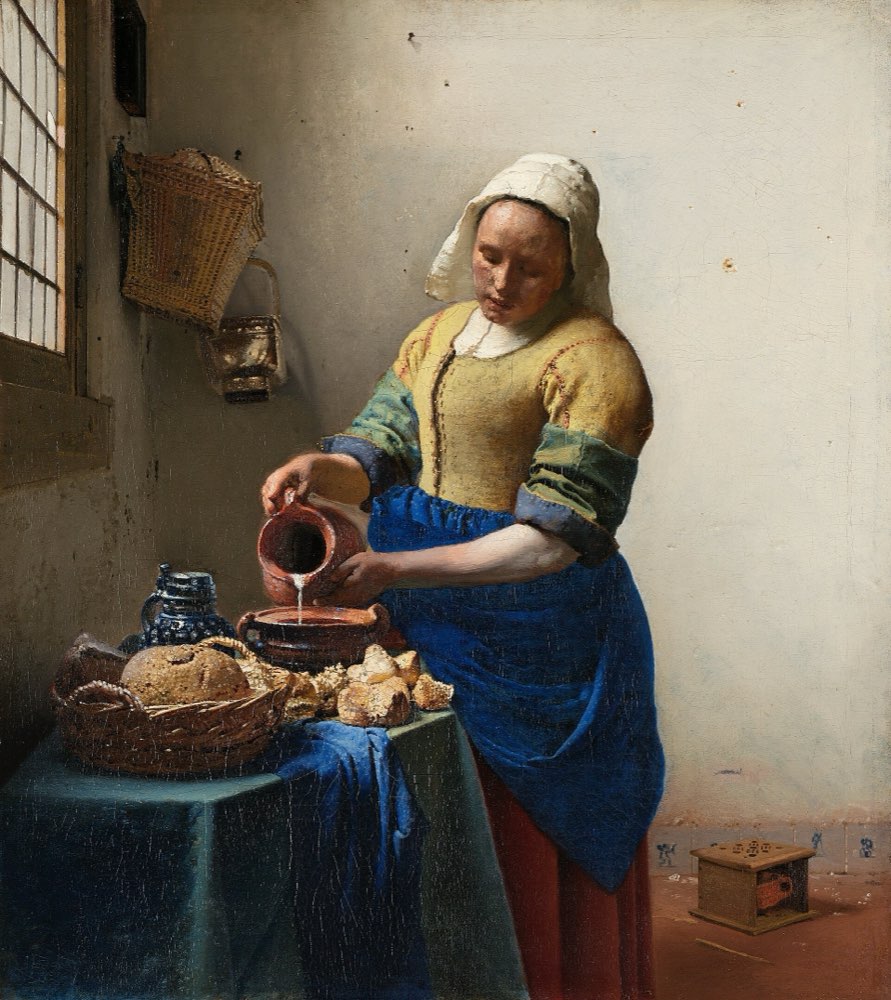 | Wikimedia Commons (Google Art Project) | Public domain | Johannes Vermeer, about 1660 | 45% 40% (the jug) | A woman pouring milk at a table, lit from a window on the left. | No |
 | Made for this course | Model terms (FLUX 3 Image Klein) | Generated, prompt kept | 50% 55% (the loaf) | AI-generated image of a round sourdough loaf on a wooden table. | Yes, labelled |
Each record answers the questions people will ask later:
- Source and licence: where it came from and what you're allowed to do (see Licences without fear).
- Credit: Title, Author, Source, Licence, the TASL line (Wikimedia Commons, Credit line).
- Releases: for recognisable people and private places (see People in images).
- Focal point: what every crop must keep (see Crop and aspect ratio).
- Alt text: a default, which each use can change (see Alt text that helps).
- Generated or not, with the tool and prompt if it was (see Labels and provenance).
- Where it's used, so you can find every page when something changes.
2. Keep it in the file too
A spreadsheet gets separated from the files. Image metadata travels with them. The IPTC Photo Metadata Standard, read by most photo tools and libraries, has fields for the creator, the credit line, copyright and licence, and two fields made for accessibility, Alt Text and Extended Description (IPTC, Photo Metadata user guide). It also has a Digital Source Type, whose vocabulary includes a value for media created by a trained algorithm: a machine-readable way to say "generated" (IPTC, Digital Source Type).
Ask for these fields to be kept on export. Many pipelines strip metadata to save bytes; strip only what you don't need.
3. Who owns it
A library without an owner becomes a folder again. The owner, often a design ops person, a content designer or a lead, does four things:
- Accepts new images only with source, licence and credit filled in.
- Reviews the set against the style guide (see An image style guide in your design system).
- Answers "can we use this?" questions, with the record.
- Removes images when a licence ends, a release is withdrawn or a policy changes, and finds every page that used them.
4. Licences change, people leave
Plan for the events that always happen eventually:
- A licence ends or a library changes its terms (see Image libraries and AI): search by source, review, replace.
- Someone asks to be removed from a photo: find every use, take it down, record why.
- A claim arrives: the record shows where the image came from and under which licence, the day you used it.
- The person who knew leaves: if it was only in their head, it's gone.
5. Common mistakes
- Images with no source, "from Google", or "from the old site".
- Credits kept in a spreadsheet that nobody updates.
- Metadata stripped on export, losing credits and labels.
- Generated images with no flag, mixed in with photos.
- No list of where each image is used.
6. Vocabulary
| Term | Meaning |
|---|---|
| DAM | Digital asset management: a system for storing, describing and finding media |
| IPTC metadata | A standard set of fields stored inside image files |
| Release | Permission from a person, or the owner of a place, to publish their image |
| Digital Source Type | An IPTC field that says how an image was made, including by AI |
| TASL | Title, Author, Source, Licence: the four parts of a credit |
7. Try it (no tools needed)
- Pick ten images from your product.
- For each, try to find the source, the licence and the credit in under two minutes.
- Count how many you could answer.
Reflection questions: What did the missing ones have in common? Who would you ask, and would they still know in a year?
Checklist
Learn more
- IPTC: Photo Metadata user guide · Digital Source Type
- Wikimedia Commons, Credit line
- Creative Commons, About the licences
Related
Licences without fear · An image style guide in your design system · A team policy for generated images · Labels and provenance · Image licence checklist