Photography and Imagery · Step 4 · 4 min read
Image libraries and AI
Getty, Shutterstock and Adobe Stock took three different positions on AI-generated images. What each one decided, what it means when you search a library, and the questions to ask before you use a generated image you didn't make.
The image libraries you search every week had to decide what to do about AI, and they didn't decide the same thing. One bans it, one makes its own, one accepts it with a label. If you don't know which library you're in, you don't know what you're licensing. The positions are a good lesson in themselves: there is no single "industry view", only choices.
What you'll be able to do after reading:
- Describe the three big libraries' positions on AI images
- Spot generated images in library search results
- Ask the right questions before licensing a generated image
- Write a rule for your team about library and generated images
1. Side by side in the search results
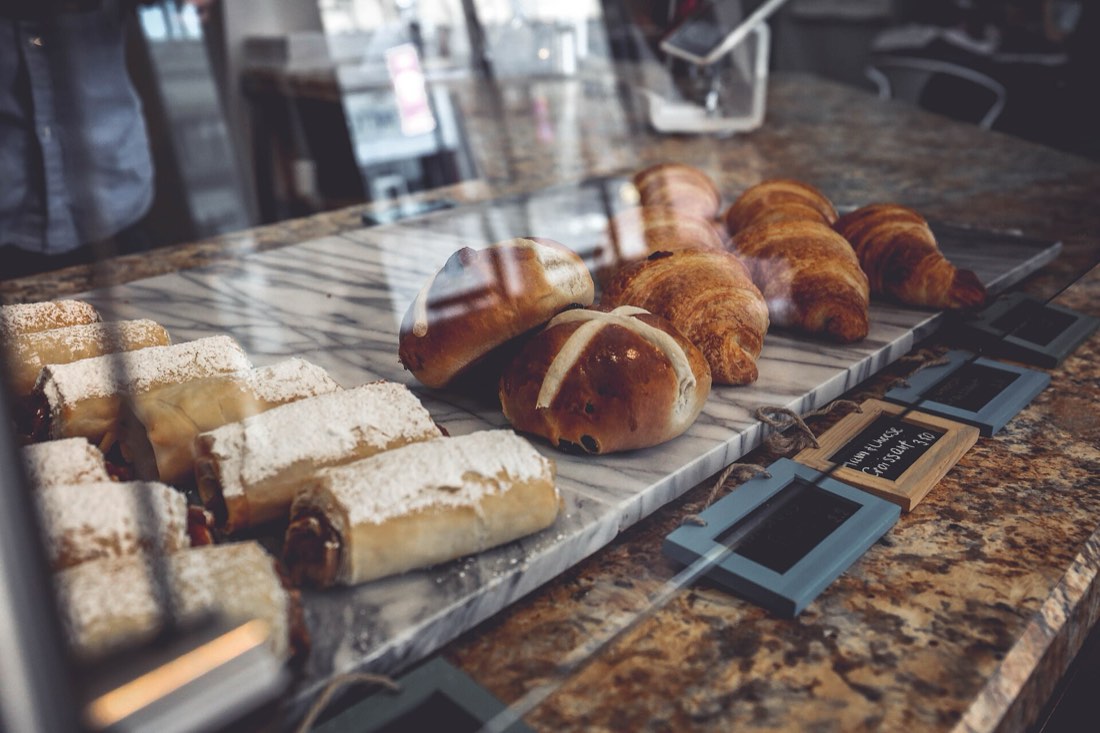 Photographed, then licensed
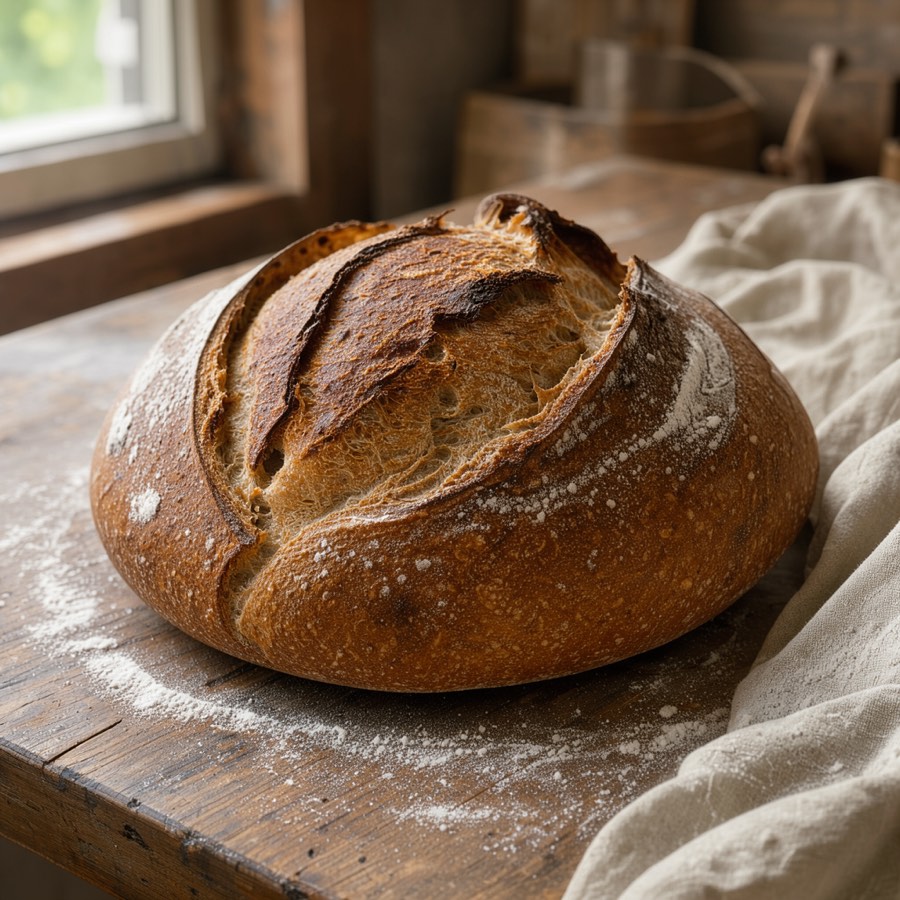 AI-generatedGenerated: depends on the library

Search a library for "sourdough" and you may get both kinds: photos someone baked and shot, and images someone prompted. They can look equally good in a grid of thumbnails. The difference is in the licence, the label and what the image can promise (see What changes when the image is generated).
2. Three libraries, three positions
| Library | AI images from contributors | Its own generator |
|---|---|---|
| Getty Images | Not accepted, in Creative or Editorial | Yes, trained on its licensed library, sold as "commercially safe" |
| Shutterstock | Not accepted | Yes, with a fund for contributors whose work trained it |
| Adobe Stock | Accepted, if labelled as made with generative AI, with people and property marked fictional | Adobe sells its own generators separately |
- Getty Images doesn't accept generated images from contributors, in its Creative or Editorial collections, and sells its own generator, trained on its licensed library and presented as commercially safe (Getty Images, AI-free imagery policy).
- Shutterstock doesn't accept generated submissions from contributors, and offers its own generator, with a fund for the contributors whose work trained it (Shutterstock, AI-generated content policy).
- Adobe Stock accepts generated images, if contributors label them as made with generative AI and mark people and property as fictional; prompts may not name real people, artists or other people's brands (Adobe Stock, generative AI guidelines).
Policies change. These were checked in November 2026; check the page again before you rely on one.
3. Questions before licensing a generated image
When a library, or a colleague, hands you a generated image:
- Is it labelled as generated? If not, should it be, where you'll use it?
- What does the licence say about generated content? Some libraries treat it differently from photos, for example in what they guarantee.
- Who or what is in it? A generated "person" can still resemble a real one; a generated product can still look like someone's brand.
- Could anyone read it as a record? If yes, see What changes when the image is generated.
- Does it carry credentials? Keep them (see Labels and provenance).
The questions on rights and ownership of AI images go deeper than images alone; the AI for UX lesson Copyright and AI-generated assets covers them.
4. A rule for your team
Write it once, in the image style guide (see One look for the whole product):
We license photos from [libraries]. Generated images from libraries are allowed for mood and concepts only, always labelled, never for products, people or places. We record the source, licence and, for generated images, the tool.
Short, specific, and easy to check in a review.
5. Common mistakes
- Assuming every library treats generated images the same way.
- Licensing a generated image from a thumbnail without noticing it was generated.
- Removing a library's AI label because it "looks untidy".
- Forgetting that policies change, and relying on last year's.
6. Vocabulary
| Term | Meaning |
|---|---|
| Contributor | A photographer or creator who supplies images to a library |
| Commercially safe | A library's claim that its generator was trained only on licensed material, often with legal cover for buyers |
| Indemnification | A promise to cover legal costs if a licensed image causes a claim |
| Editorial use | Use in news and commentary, often with stricter rules on changes |
7. Try it (no tools needed)
- Search the same word ("bakery", "office", "doctor") in two image libraries.
- In the first twenty results of each, count how many are marked as generated.
- Open one generated result and find what its licence says about it.
Reflection questions: Did you notice the generated images before you looked for the label? What would that mean for someone choosing images in a hurry?
8. If you already practise
- Add a "generated" field to your image library and fill it in at import, from the library's own label.
- When a library changes its AI policy, review the images you licensed under the old one.
- Share the three positions in a team meeting. It's a quick way to show that "AI images" is a choice, not a default.
Checklist
Learn more
- Getty Images, AI-free imagery policy
- Shutterstock, AI-generated content policy
- Adobe Stock, generative AI content guidelines
Books, courses and videos to go deeper
Book links go to Amazon. As an Amazon Associate I earn from qualifying purchases, at no extra cost to you.
Related
Labels and provenance · What changes when the image is generated · Licences without fear · Copyright and AI-generated assets