Photography and Imagery · For leads · 4 min read
A team policy for generated images
For leads: how to write a short, checkable policy for AI-generated images, covering where they're allowed, where they never are, how they're labelled and recorded, and who decides, with a template you can adapt.
Without a policy, every designer makes the call alone, under deadline. Generated images are fast, cheap and good-looking, and that is exactly why a team needs to decide in advance where they help and where they mislead. The policy doesn't have to be long. It has to be clear enough that a new designer can apply it on a Friday afternoon without asking.
What you'll be able to do after reading:
- Decide where generated images are allowed, and where never
- Write labelling and record-keeping rules into the policy
- Assign who decides the cases the policy doesn't cover
- Adapt a one-page template for your team
1. Three cases every policy answers
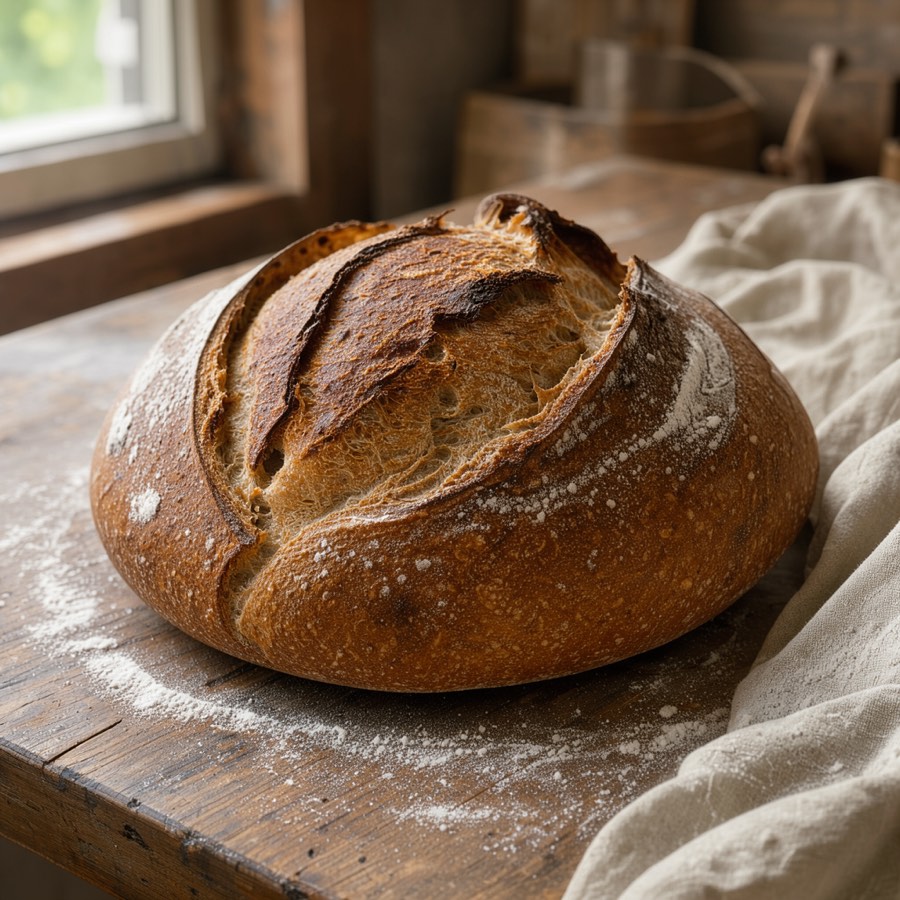 AI-generatedAllowed: mood, labelled
 AI-generatedNot allowed: as a real person
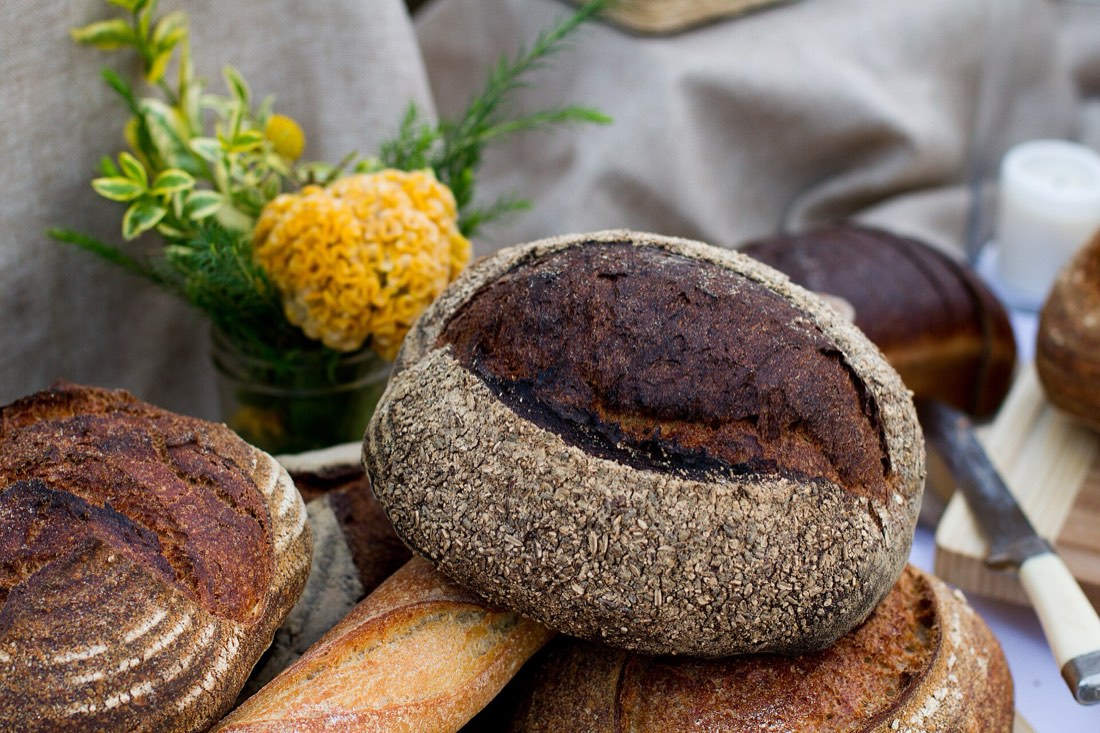 Use a photo: the real product
Almost every question about generated images is one of these three: Is it mood or is it a record? Is it a person, and could anyone think they're real? Is it a promise of what people will get? The rules from What changes when the image is generated give the answers; the policy writes them down.
2. A one-page template
Adapt the brackets, keep the shape:
Allowed for mood, concepts and illustrations of ideas, in [marketing, editorial, empty states].
Never for: real products people will receive; real places, events or results; people presented as real (customers, employees, testimonials); anything a reader could take as a record.
Labelled on or right under the image, saying how it was made ("AI-generated"), in the product's label component (see Labels and provenance).
Recorded in the image library: tool, date, prompt, and the Digital Source Type set to generated (see Running an image library).
Checked for bias as a set, with counts, before use (see Bias in image generators).
Tools: only [approved tools], whose terms allow commercial use and whose training data we have reviewed.
Owner: [name], who decides cases not covered here and reviews this policy every [six months].
3. The tools question
The policy should name which generators the team may use, and why. Look at each tool's terms for commercial use, what it says about its training data, and whether it adds provenance marks. Image libraries took very different positions on generated images (see Image libraries and AI); your team needs its own. The AI for UX track covers the rights questions in more depth in Copyright and AI-generated assets, and how to choose and pilot tools in Choosing and piloting AI tools.
Kate Crawford's Atlas of AI is a good read for the bigger picture behind those choices: what these systems are built from, and who pays the costs.
4. The law sets a floor
In the EU, since August 2026, people who publish realistic generated content must disclose it (see Labels and provenance, and the EU AI Act, Article 50). A team policy should sit above that floor, not at it: labelling what the law requires is the minimum, labelling what could mislead is the standard.
5. Rolling it out
- Write it with the team, in one session, from real cases they've met.
- Put it where work happens: in the image style guide, the library and the review checklist.
- Review real uses after a month: what came up that the policy didn't cover?
- Change it openly, with a date and a reason.
6. Common mistakes
- A policy that only says "use AI responsibly".
- Allowing generated people "as long as they look diverse".
- No record of tool and prompt, so nobody can answer questions later.
- A policy nobody owns, last updated when the first tool came out.
7. Try it (no tools needed)
- List five places in your product where someone might want a generated image.
- For each, decide: allowed, allowed with a label, or never. Write the reason.
- Turn your answers into the first three lines of the template.
Reflection questions: Which case was hardest to decide? Who in your organisation should own the cases the policy doesn't cover?
Checklist
Learn more
Books, courses and videos to go deeper
Book links go to Amazon. As an Amazon Associate I earn from qualifying purchases, at no extra cost to you.
Related
What changes when the image is generated · Labels and provenance · Image libraries and AI · Running an image library · Copyright and AI-generated assets · Generated image policy template