Photography and Imagery · Step 3 · 4 min read
The image brief and the shot list
Most bad product photos start with a bad request. How to write an image brief that a photographer, a stock search or an image generator can act on, and a shot list that turns it into the photos the product needs.
"Can you find a nice photo for this?" is not a brief. It hands the decision to whoever searches, and they will choose by taste, because taste is all they have to go on. A brief replaces taste with a job, a place and a few constraints. It takes ten minutes to write and saves the week of "not quite" that follows a bad one.
What you'll be able to do after reading:
- Write an image brief that anyone can act on
- Turn the brief into a shot list: wide, medium and detail
- Use the same brief for a shoot, a stock search or a generator
- Review the results against the brief, not against taste
1. What a brief answers
Everything in Step 1 and Step 2 becomes a line in the brief:
| Brief | A bakery app: the home screen hero |
|---|---|
| Job | Show the thing: today's bread, so people want to order before 10:00 |
| Subject | One loaf from today's bake, not a basket of everything |
| Where it shows | 16:9 on tablets, 4:5 on phones; the subject must survive both (see Crop and aspect ratio) |
| Light | Soft window light from the left, warm, high key |
| Copy space | Right third clear for the headline and the order button |
| People | Hands only; no faces, so no model release is needed |
| Avoid | Logos, plastic bags, anything that isn't sold in the shop |
| Deliver | 3 options, horizontal and vertical, full resolution, licence in writing |
Eight questions, one sentence each:
- Job: what the image has to do (see What an image does in a product).
- Subject: the one thing it's about (see Composition).
- Where it shows: the screens and ratios it must survive (see Crop and aspect ratio).
- Light: hard or soft, direction, warm or cool (see Light and what it says).
- Copy space: where the text goes.
- People: who, how they look, and what permissions you need (see People in images).
- Avoid: what must not appear: logos, competitors, things you don't sell.
- Deliver: how many options, which formats, and the licence, in writing.
Art directors have worked this way for a long time: the idea first, then the picture that carries it. Steven Heller and Véronique Vienne's Art Direction Explained, At Last! is a short, readable tour of that job, written for designers (see the books at the end).
2. From brief to shot list
A brief says what the images must do; a shot list says which photos to take, or to find. Most shot lists start with three distances:
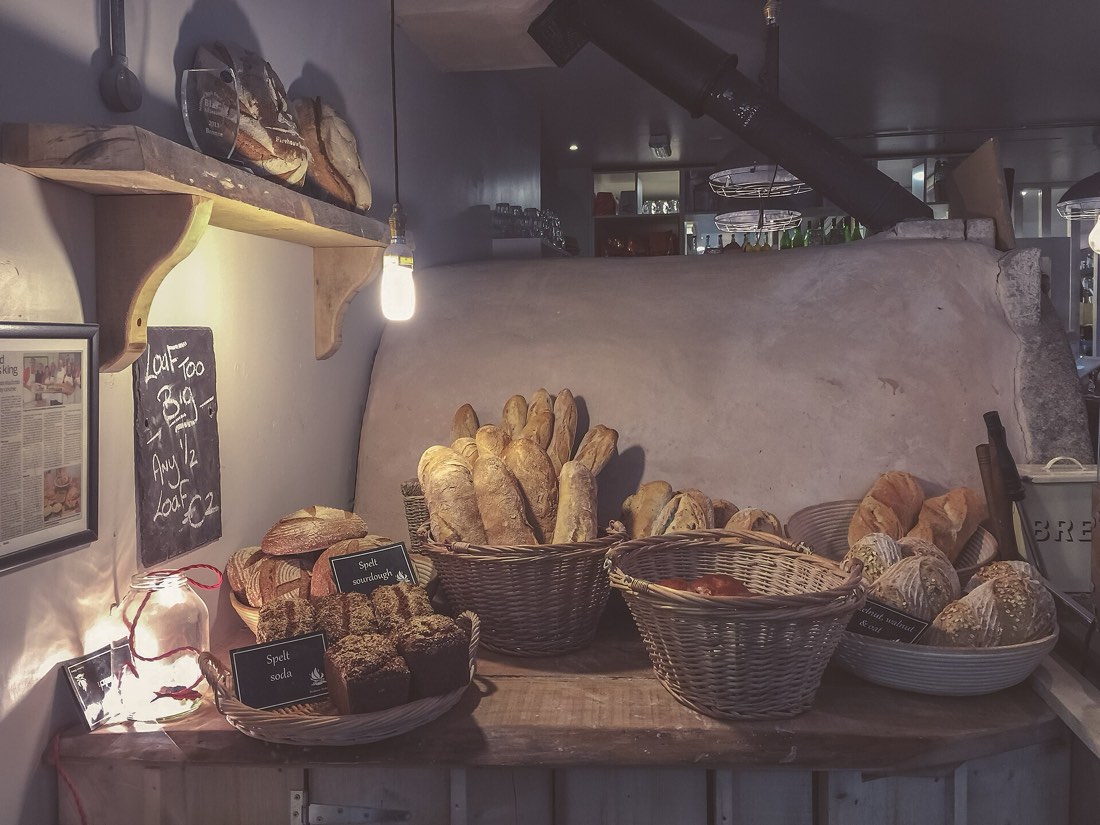 Wide: the place
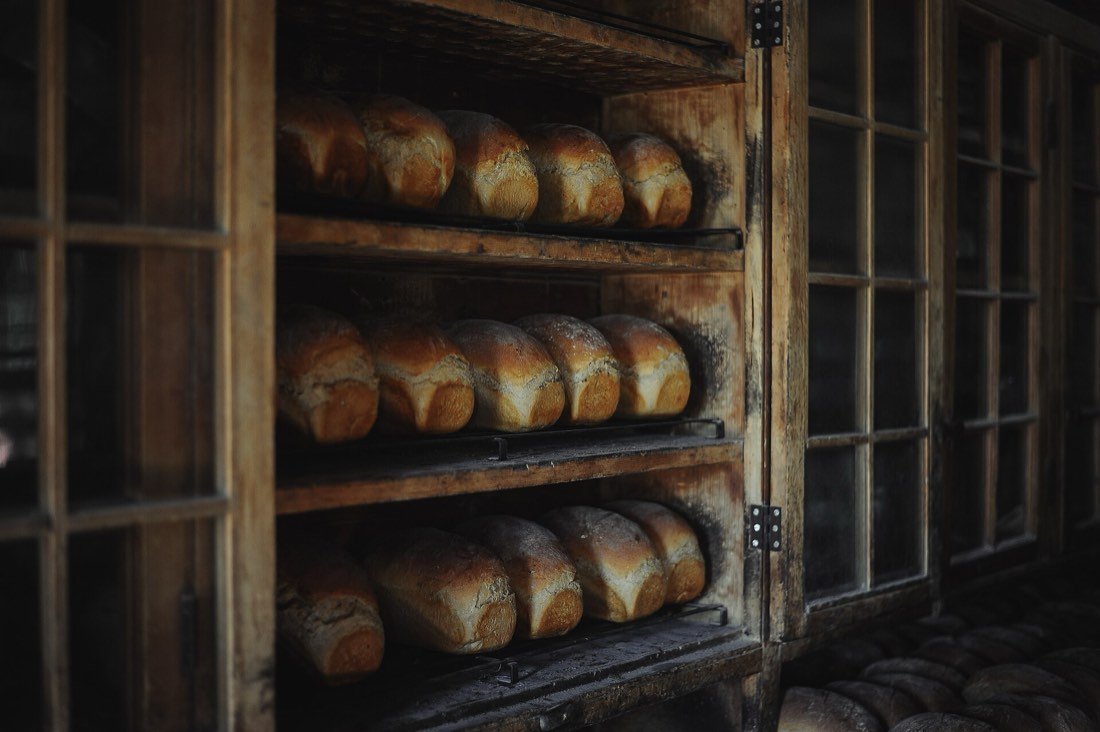 Medium: the work
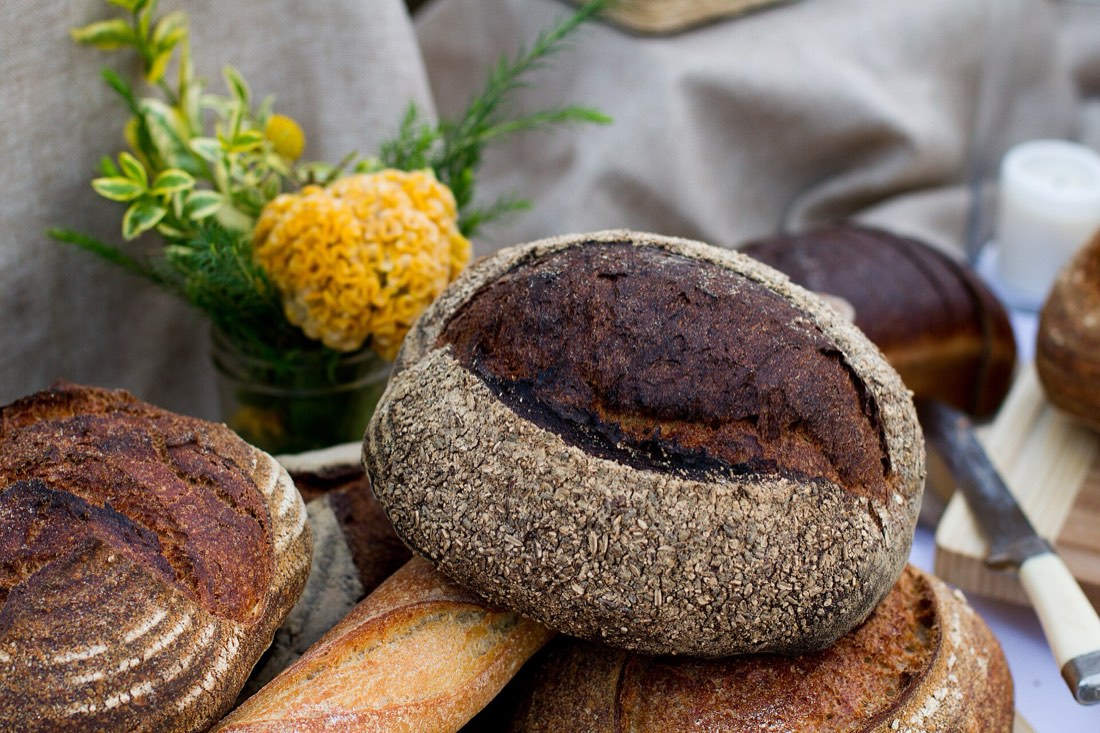 Detail: the thing


- Wide: the place, the context, where it all happens.
- Medium: the work, people doing something, the product in use.
- Detail: the thing itself, close enough to see texture and quality.
Then add what the product needs: a vertical version of each key shot for phones, a version with copy space, the same shot with and without people. Number the shots. A photographer can tick them off; a stock search can be done one line at a time.
3. Reviewing against the brief
When the options come back, go through them like slides on a light box:
- Cut anything that fails a hard constraint: wrong ratio, no copy space, a logo, the wrong subject.
- Rank what's left by the job: which one does what the brief asked, best?
- Check the set: do the chosen images look like they belong together? (See One look for the whole product.)
Only at the end, choose between equals by taste. By then, it's a small decision.
4. Common mistakes
- Asking for "nice" or "modern" instead of a job and a subject.
- Forgetting the phone crop until after the shoot.
- Leaving permissions and licence for later.
- Reviewing photos one at a time, out of context, instead of on the real screen.
5. Vocabulary
| Term | Meaning |
|---|---|
| Image brief | A short document saying what an image must do, show and avoid |
| Shot list | The numbered list of photos to take or find |
| Wide, medium, detail | Three distances that show the place, the action and the thing |
| Copy space | Empty area left on purpose for text |
| Selects | The photos chosen from a shoot or a search |
6. Try it (no tools needed)
- Pick one screen of a product you know that has a weak image.
- Write its brief with the eight questions above, one sentence each.
- Write a shot list of five lines from it.
Reflection questions: Which question was hardest to answer? That's usually the decision nobody made.
7. If you already practise
- Keep a brief template in your design system's docs, next to the image guidelines. A filled-in example teaches more than the empty form.
- Attach the brief to the ticket. When someone asks "why this photo?", the answer is already written.
- Review selects in the real layout, at real sizes, on a phone. A photo that wins on a big monitor can lose at 360 pixels wide.
Checklist
Learn more
- IBM Design Language: Photography, an example of how a large company describes what it wants from photos
Books, courses and videos to go deeper
- Art Direction Explained, At Last!Steven Heller and Véronique VienneBook · Laurence King, 2009 (Amazon)
- The Visual StoryBruce BlockBook · 3rd edition (Routledge, 2021) (Amazon)
Book links go to Amazon. As an Amazon Associate I earn from qualifying purchases, at no extra cost to you.
Related
Library, shoot or generated · One look for the whole product · People in images · Licences without fear · Image brief template