AI for UX · Step 1 · 7 min read
What AI is (and isn't)
The starting point for designers new to AI: what today's AI tools actually do, the handful of ideas that explain their behaviour (tokens, context, training cut-off, probability), why they make things up, and what that means for design work.
You don't need to understand the maths to work well with AI. You need a few ideas that explain why it behaves the way it does: why it's brilliant at a first draft and careless with a date, why it "forgets" the start of a long chat, why it sounds sure when it's wrong. This note gives you those ideas in plain words, with examples from design work.
What you'll be able to do after reading:
- Explain in one minute what a generative AI tool does, without hype
- Use six words correctly: model, prompt, token, context, training cut-off, hallucination
- Predict where AI will help you and where it will let you down
- Know what to check before you trust an AI answer
1. "AI" means many things. This course means one
"Artificial intelligence" is an old umbrella term. It covers things you already use without calling them AI:
Sorts, ranks or predicts from data.
Spam filters, "you may also like", fraud alertsUnderstands images, sound or speech.
Face unlock, dictation, photo searchCreates new text, images, code, audio or video.
Claude, ChatGPT, Gemini, Figma's agent: this courseThis course is mostly about generative AI, the kind that writes, draws and builds with you. Most of it runs on a large language model (for text and code) or a diffusion model (for images and video). Many tools now combine them and accept text, images, audio and files at once: they're multimodal.
2. What a language model does, in one sentence
It continues text in the most likely way, one small piece at a time.
"Your payment was declined because the card has …"
- expired62%
- insufficient21%
- been9%
- other tokens8%
The app picks one token, adds it to the text and asks again. A whole answer is this loop, hundreds of times.
That's all. When you ask "Write three error messages for a failed upload", the model doesn't look up an answer. It predicts the most likely next piece of text, adds it, predicts the next one, and so on, until the answer is complete. It learned what's "likely" by reading an enormous amount of text during training (see How a model learns: train one on your laptop).
Everything else follows from this:
- It's excellent at things that look like what it has read a lot of: emails, summaries, code, UX copy, research plans.
- It's unreliable at things that need a fact to be exactly right, unless it's given the fact: dates, prices, quotes, names, numbers.
- It always produces something, even when the honest answer is "I don't know".
3. Six ideas that explain AI's behaviour
1. The prompt
A prompt is everything you give the model: your question, your instructions, the files you attach. Tools also add hidden instructions of their own, the system prompt. The quality of the answer depends heavily on the prompt, which is why Prompt patterns for designers is its own lesson.
2. Tokens
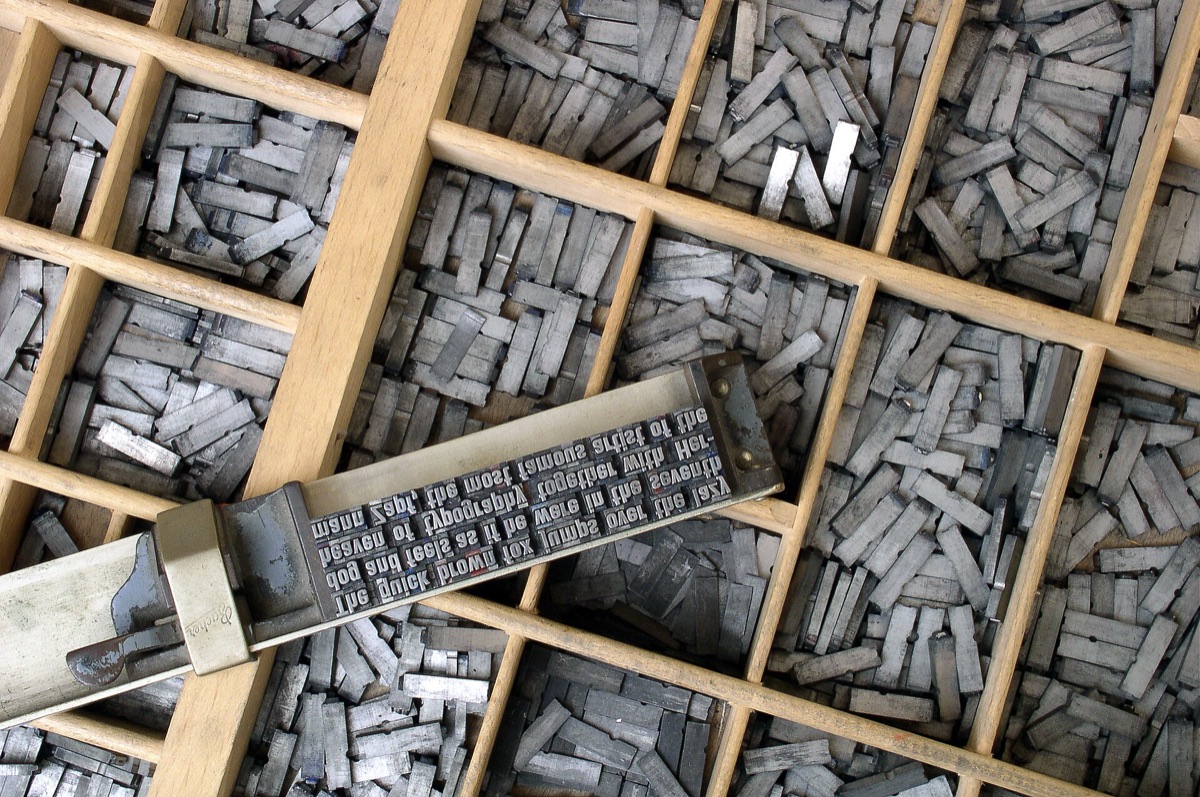
Models don't read letters or words; they read tokens, small pieces of text. A token is a few characters long (in English, often around 3–4 characters), and the exact size depends on the model and the language: the same sentence can cost different numbers of tokens in different tools (Anthropic glossary). Tokens matter because tools limit and charge by tokens, and because the model "sees" text in these pieces (one reason it can be oddly bad at counting letters).

3. The context window
The context window is how much text the model can consider at once: your prompt, the files, and the whole conversation so far. It's large in modern tools, but not infinite. In a very long chat, early details can get less attention or drop out. If something matters, repeat it or put it in a file the tool always reads (see Context files).
4. The training cut-off
A model learns from text collected up to a certain date, its knowledge cut-off. It doesn't know what happened after that unless the tool gives it fresh information, for example by searching the web or reading your documents. A model asked about "the latest Figma features" may describe last year's.
5. Probability and temperature
Because the model picks likely text, the same prompt can give different answers each time. A setting called temperature controls how adventurous the choice is: low for consistent answers, higher for variety. For a designer, this is a feature: ask again and you get another option.
6. Hallucination
When the model doesn't have the right information, it still produces fluent, confident text. Invented quotes, sources, statistics or features are called hallucinations. They're not a bug that will soon disappear; they're a side effect of how the model works. They become rarer when the model is given the facts (grounding, RAG) and when someone checks the output.
4. What AI is not
| It is not… | Why it matters |
|---|---|
| A database | It doesn't store facts it can retrieve exactly. Ask it for a quote and it may write a plausible one |
| A search engine (on its own) | Without a search tool, it can't check anything. With one, check which sources it used |
| A person | It has no intentions, memories of you (unless a feature stores them) or understanding of consequences. Friendly tone is a style, not empathy |
| Always up to date | Its knowledge stops at the training cut-off |
| Neutral | It reflects the text it learned from, including its gaps and biases. See Algorithmic bias |
| Accountable | You are. If AI output ships, the person who shipped it owns it |
5. Newer abilities you'll hear about
- Reasoning models "think before answering": they write out intermediate steps before the final answer. Better at multi-step problems; slower and more expensive.
- Tool use: the model can call tools, such as searching the web, running code, or reading a Figma file through MCP.
- Agents: a model that uses tools in a loop to complete a task with several steps (read a ticket, draft a screen, check it, fix it). Powerful, and more important to supervise.
These abilities don't change the basic idea. They give the same "continue the text" engine more information and more ways to act.
6. What this means for design work
Where AI helps most
- First drafts: copy variants, research plans, interview guides, spec outlines
- Transformation: summarise, translate, restructure, change tone
- Exploration: many options quickly, so you can react and choose
- Explanation: unfamiliar topics, code, regulations (then check the source)
Where to be careful
- Anything that must be exactly right: data, quotes, legal or accessibility claims
- Anything about your users that didn't come from your users (see Synthetic users)
- Confidential material: customer data, research recordings, unreleased plans. See Personal data in prompts
7. Try it (no code needed)
Use any AI assistant you're allowed to use.
- See the probability. Ask the same question three times in new chats: "Write a one-line empty-state message for a task list." Compare the answers.
- See the cut-off. Ask "What are the newest AI features in Figma?" Then compare with Figma's own help pages (Figma AI links them). What's missing or outdated?
- See a hallucination. Ask for "three studies, with authors and year, about the ideal number of items in a navigation menu". Check whether each study exists. Note how confident the answer sounded.
- See grounding work. Paste a short real text (a public article) and ask for a summary with quotes. Check the quotes against the text.
Reflection questions: Which of the four results surprised you most? Which tasks in your work need "exactly right", and which need "good options fast"?
8. If you lead a team
- Use this lesson as a shared starting point: a team that shares the same six ideas makes better decisions about tools and reviews.
- Agree on one rule for facts: any number, quote or source from AI is checked before it's shared outside the team.
- Make sure everyone knows which tools are approved for which data. See AI governance and data protection.
Checklist
Learn more
- How a model learns: train one on your laptop, the next lesson, shows how a model is trained, with a real experiment
- NN/g: AI Hallucinations: What Designers Need to Know · Designing AI Products: Study Guide
- Anthropic: Glossary (tokens, context window, temperature, RAG, RLHF in plain words)
- Google PAIR: People + AI Guidebook
Books, courses and videos to go deeper
Related
How a model learns: train one on your laptop · AI tools landscape for designers · Prompt patterns for designers · Large language model (LLM) · Token · Context window · Hallucination · Knowledge cutoff