AI for UX · Step 3 · 6 min read
Accessibility with and for AI
Two sides of the same job: using AI to make products more accessible without trusting it blindly, and making AI features themselves accessible. The current standards and laws, what the 2026 data shows, AI alt text and checkers, AI as assistive technology, and accessible chat interfaces.
AI can make accessibility easier or quietly make it worse. It drafts alt text, checks contrast and captions video in seconds. It also generates code full of accessibility mistakes, and its own interfaces (chat windows, streaming answers) are often hard to use with a screen reader. This note covers both sides: accessibility with AI, and accessibility for AI features.
What you'll be able to do after reading:
- Name the accessibility standard and the EU law that apply in late 2026
- Use AI for alt text, checks and captions, and know where a person must decide
- Review AI-generated designs and code for the most common accessibility failures
- Design AI features, especially chat, that work with assistive technology
1. The standards and the law, as of November 2026
- WCAG 2.2 is the current W3C standard (2023, updated December 2024), also published as ISO/IEC 40500:2025. Level AA is the usual target (W3C).
- WCAG 3.0 is still a working draft (latest September 2026). W3C says it still has several years of work ahead and does not replace WCAG 2 (draft).
- The European Accessibility Act has applied since 28 June 2025. It covers products and services such as computers and phones, self-service terminals, e-books, banking, e-commerce and passenger transport services. Micro-enterprises providing services are exempt, and there are transition periods for some existing products and contracts (Directive (EU) 2019/882).
Drafts of alt text, captions, contrast fixes, plain language, automated checks.
A person still decides meaning and tests with assistive technologyChat, streaming answers, status messages and controls that work with a keyboard and a screen reader.
Test with disabled people, not only with tools2. What the 2026 data shows
WebAIM checks the home pages of the top million websites every year. The 2026 report found the first worsening in six years, and WebAIM links it partly to AI-assisted coding ("vibe coding") (WebAIM Million 2026):
- Low-contrast text83.9%
- Missing alt text53.1%
- Missing form labels51%
Two lessons for designers:
- The basics still fail most often: contrast, alt text and form labels. These are exactly the things to check first in AI-generated work.
- More accessibility code isn't more accessibility. Pages using ARIA had more errors on average (59.1) than pages without it (42). AI tools often add ARIA attributes generously; that is not a sign the result works.
3. Accessibility with AI: where it helps, where a person decides
| Task | AI is good at | A person must |
|---|---|---|
| Alt text | A first draft that describes what is in the image | Decide what the image means on this page, or mark it decorative (alt="") |
| Contrast and colour | Finding failing pairs quickly | Decide the fix within the brand and the design system |
| Captions and transcripts | Fast drafts of speech | Correct names, terms and speaker changes; check for accents the system handles worse |
| Plain language | Rewriting at a simpler reading level | Check that no fact was lost or changed |
| Automated checks | Catching missing labels, empty buttons, broken structure | Test with a keyboard and a screen reader; judge what tools can't |
WebAIM puts it simply: algorithms "cannot understand what an image means within the context of the overall page" (WebAIM). And W3C reminds us that evaluation tools "can not determine accessibility, they can only assist" (W3C).
AI-generated code
Research is mixed: one 2025 study found that some models' code got basics like contrast and alt text right more often than human code, but was weak on ARIA; another found AI-generated interfaces "frequently violate WCAG". Both are preprints, not peer-reviewed. Treat every generated component as untested until you've checked it with a keyboard and a screen reader. See Generating design with Claude Code.
4. AI as assistive technology
For many disabled people, AI is already an everyday tool:
- Be My AI, in the Be My Eyes app, describes photos for blind and low-vision people, with human volunteers as a fallback; it is free for its users (Be My Eyes).
- Live captions on phones and computers caption any audio on the device; Google notes they work best with clear speech and little background noise (Android help).

What this means for design: people may be using AI on top of your product (describing your screens, summarising your pages). Clear structure, real text instead of text in images, and good labels help their tools as much as they help screen readers.
5. Accessibility for AI features: chat and streaming
Chat interfaces are now everywhere, and they bring specific problems:
- Streaming text. Answers that appear word by word can make a screen reader announce fragments, repeat itself, or say nothing. There is no specific W3C standard for streaming AI output yet. The closest standard pattern is a chat log region (
role="log"), which announces new content politely as it's added (MDN). In practice, many teams announce the answer once it's complete, or in sentences, and test it with real screen reader users. - Focus. After sending a message, where does focus go? Keep it predictable, and let people jump to the latest answer.
- Status. "Thinking…", "Searching…" and errors must be announced, not only shown as animations.
- Controls. Stop, retry, copy and feedback buttons need labels and keyboard access.
- Content. Long answers need headings and lists that assistive technology can navigate; tables need real table markup.
See also Streaming responses and AI error states.
6. Vocabulary
| Term | Meaning |
|---|---|
| WCAG | The Web Content Accessibility Guidelines, the international standard |
| Alt text | A text alternative that conveys an image's meaning |
| ARIA | Attributes that tell assistive technology what an element is and does |
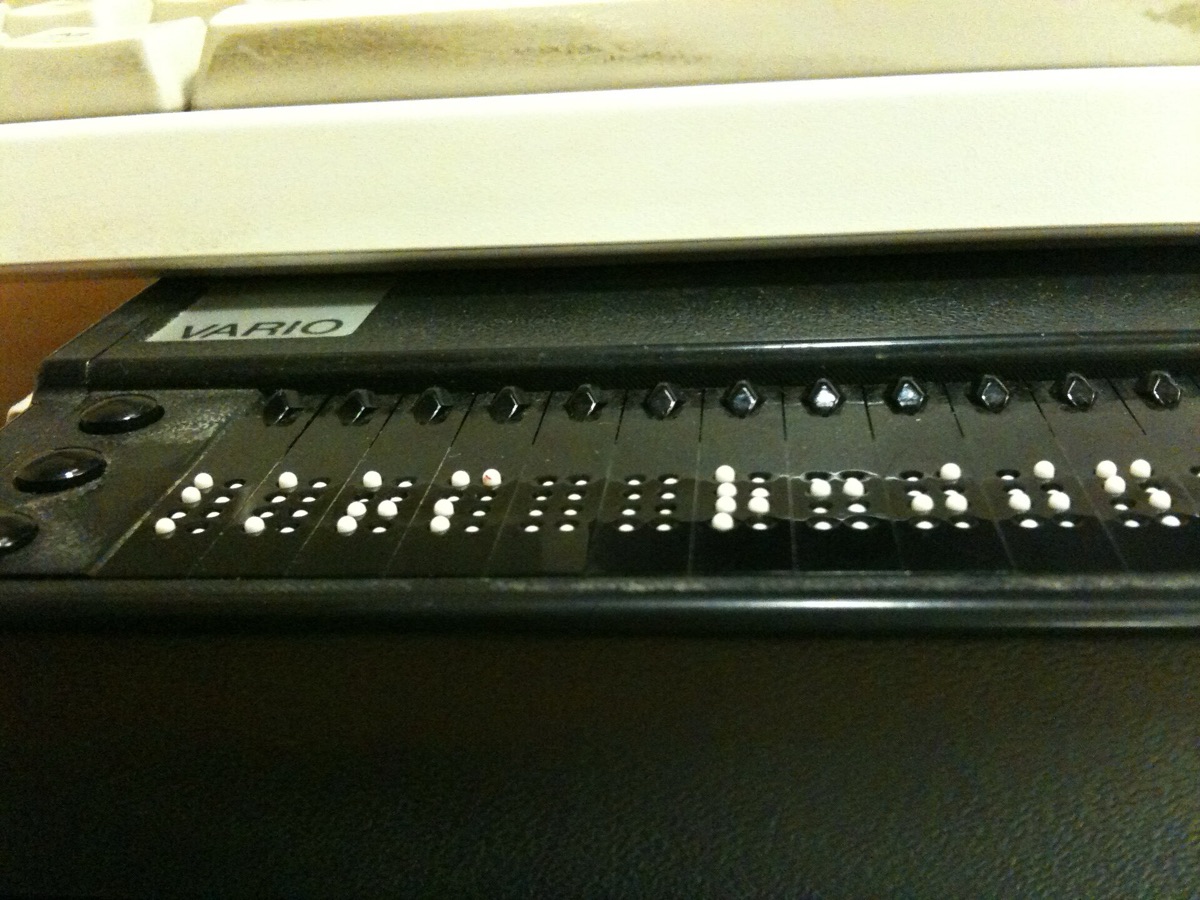
| Screen reader | Software that reads the screen aloud or in braille |
| Live region | A part of the page whose changes are announced automatically |
7. Try it (no code needed)
- Take three images from a page you designed. Ask an AI tool for alt text for each.
- For each, decide: is the AI description the meaning the image has on this page? Rewrite or mark as decorative.
- Turn on your device's screen reader (VoiceOver, TalkBack or NVDA) and use an AI chat tool for one question. What did you hear while the answer streamed?
- Write down two changes you'd make to that chat interface.
Reflection questions: Which accessibility checks do you trust a tool for, and which only a person? Who among your users already relies on AI to use your product?
8. If you lead a team
- Make keyboard and screen reader checks part of every review of AI-generated work.
- Know whether the European Accessibility Act applies to your products, and since when.
- Include disabled people in research and testing of AI features, not only accessibility specialists.
Checklist
Learn more
- Standards and law: WCAG overview · WCAG 3.0 working draft · European Accessibility Act
- Data and guidance: WebAIM Million 2026 · WebAIM on alt text · W3C: selecting evaluation tools · W3C AI and Accessibility research symposium
- Patterns: MDN, the ARIA log role
Books, courses and videos to go deeper
Related
AI design review process · Ethics, bias and inclusion in AI design · AI for visual design: images and video · Generating design with Claude Code · Streaming responses · AI error states